

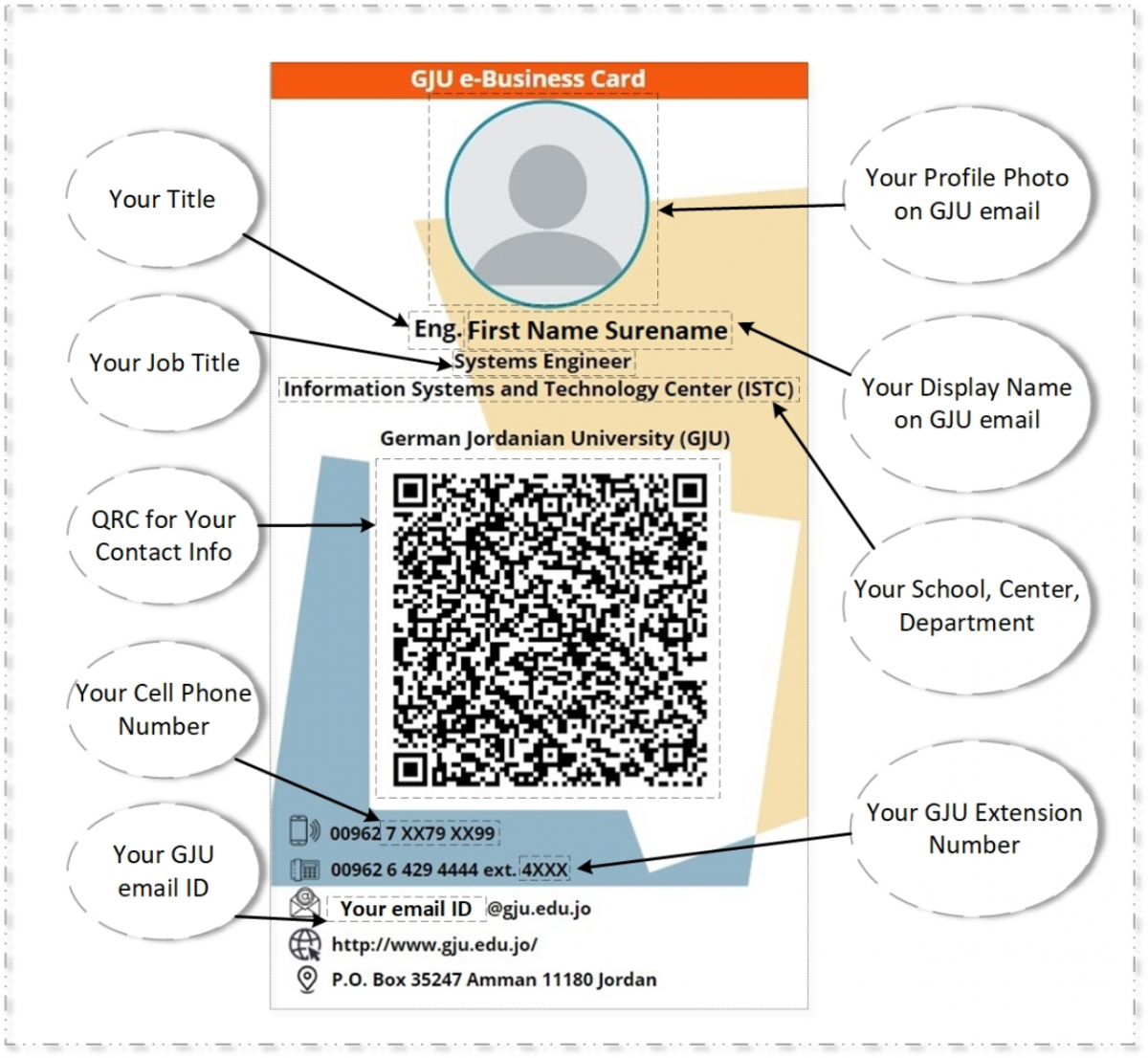
- Who can get the card?
All GJU administrative and academic members.
- How do I get my e-business card?
The card is automatically generated by clicking the below links, you have to click on Allow to proceed with reading your profile info.
Link for template # 1: (Click here)
Link for template # 2: (Click here)
- How can I update my personal information?
Please get in touch with the ISTC team using MyGJU Tickets, Service: Microsoft Office 365 and Microsoft Azure, Enter your, Title, Cell, extension numbers, etc.
- How do I upload/update my photo?
Open your profile page (Click here), Click on Me, then upload your photo.
- Can I share the e-Business card with the others?
Sure, you can ask others to scan the QR code, and you can share the screenshot for your generated card via any sharing App.
- How i can access the card in the future?
You can use the above-listed links, Alternatively, Install the PowerApps application on your smartphone, and sign in using your GJU account, the GJU e-Business card will be accessible anytime anywhere.