

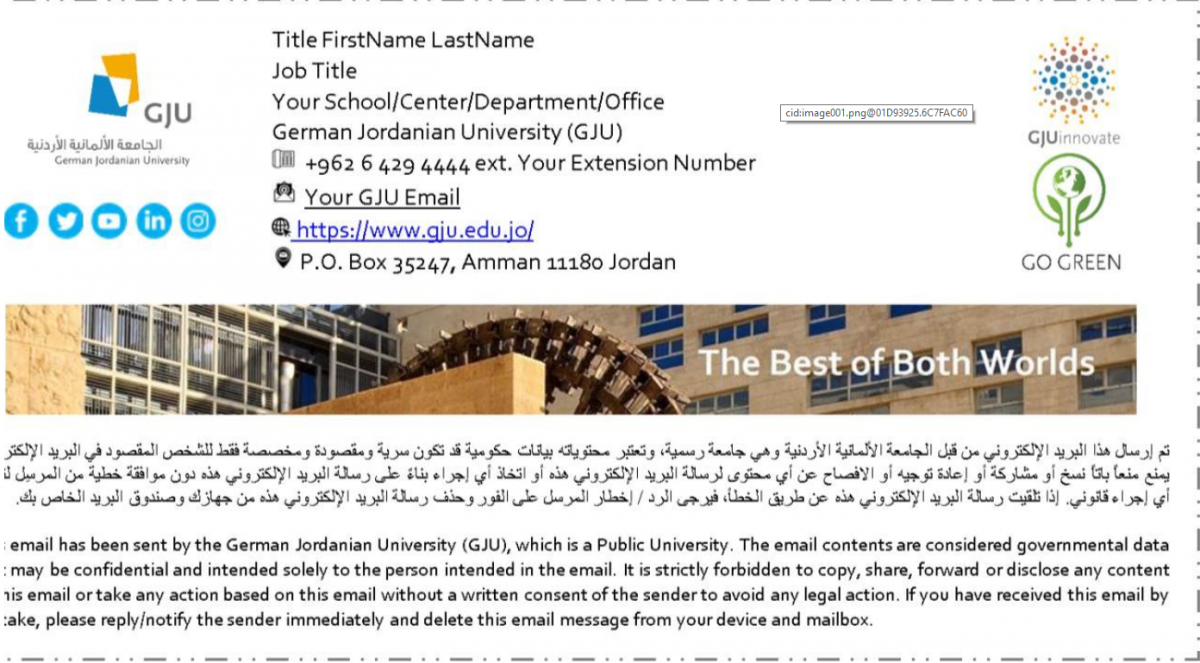
The Unified Email Signature
Who can get this service?
All GJU administrative and academic members.
How can I update my personal information?
Please use the below links to verify your info via GJU e-Business card.
Link for template # 1: (Click here)
Link for template # 2: (Click here)
For help, please contact the ISTC team using MyGJU Tickets. Service: Microsoft Office 365 and MS Azure Enter your, Title, Extension numbers, etc.
Does the email signature append to all of my sent emails automatically?
Yes, both signature and disclaimer will be added to every newly sent item, for Replies and Forwarded emails, the append will be at the footer of the whole email thread.
Should I remove the custom email signature?
Sure, please remove it to avoid adding two email signatures (Custom and Unified Signatures).
Does the email signature appear in the Sent Items folder?
No, this is a server-side signature, it will appear in the recipient’s mailbox only.